

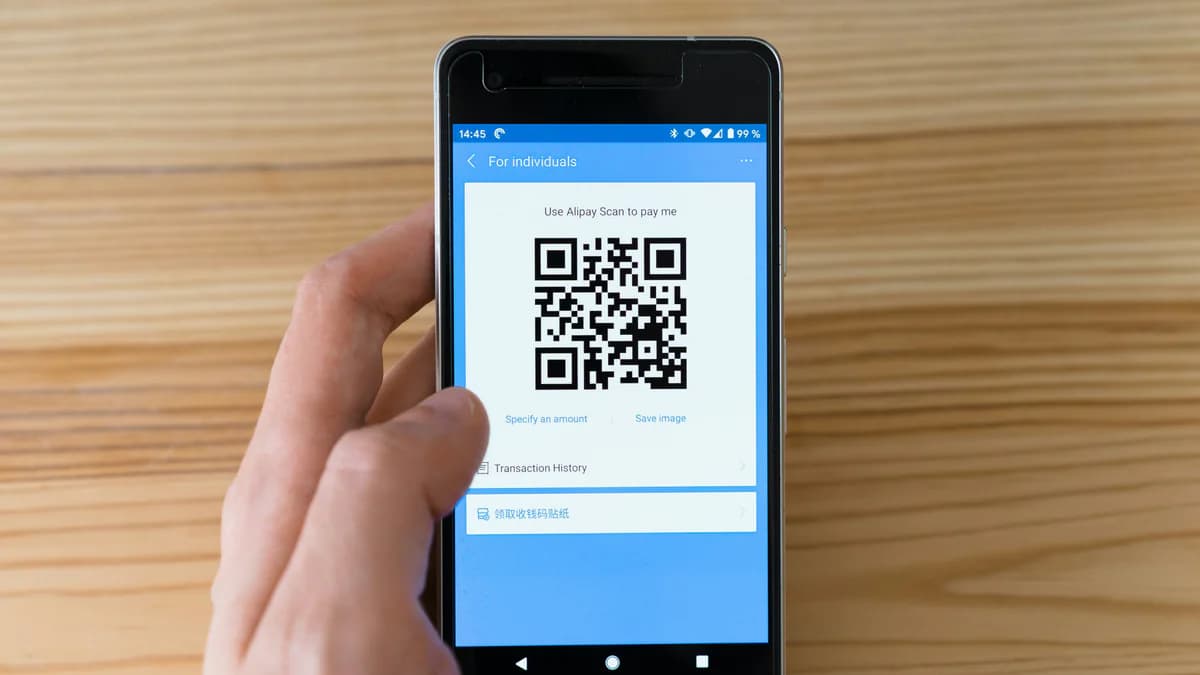
QR codes make payments and menus convenient, but the code itself does not tell you whether a destination is trustworthy. A scammer can place a sticker over a real payment code, print a fake notice, or send a code inside a phishing message.
The FTC warned in September 2026 about malicious QR codes appearing on parking meters. Scanning can lead to an imitation page designed to collect card details or login information. The safer habit is to verify the organization and destination before paying.
Examples worth checking
Not every QR code is suspicious. Context and verification matter more than the presence of a square code.
| Location | Potential issue | Better check |
|---|---|---|
| Parking meter | Sticker covers original payment code | Use posted meter instructions or official parking app |
| Restaurant table | Unrecognized code asks for account login | Ask staff for the correct menu/payment method |
| Public flyer | Code opens unfamiliar shortened domain | Look up the organization independently |
| Email or text | QR code bypasses familiar link-preview habits | Treat it as an ordinary untrusted link |
How to check a QR code before paying
Use a brief, consistent process.
- Look at the physical sign for unusual stickers, misaligned labels, or signs of tampering.
- Use a phone camera or QR reader that previews the destination URL.
- Read the full domain carefully, including spelling and unexpected additions.
- Compare the destination with the official parking authority, restaurant, or business website.
- Avoid entering credentials or payment details on a site you cannot independently confirm.
- If something looks wrong, use a known official app, another payment method, or staff assistance.
HTTPS is helpful but not proof of legitimacy
A fake payment website may also have a valid HTTPS connection. Encryption protects data in transit but does not make a fraudulent merchant authentic.
Never rely only on a lock symbol, professional design, or a logo. Scammers can copy visual branding while changing where the form sends card details.
If you already scanned a malicious code
Respond based on what happened.
- If you only opened a page, close it and avoid interacting further.
- If you entered a password, change it on the real site and enable multifactor authentication.
- If you entered card details, contact the card issuer and monitor charges.
- If you installed an app, review device security instructions from Apple or Google.
- Report suspected fraud to the FTC and the relevant parking or business operator.
Frequently asked questions
Can scanning alone infect my phone? Risk depends on browser vulnerabilities and whether additional actions occur. Keep software updated, and do not install unknown apps.
Can I trust a QR code on an official-looking sign? Appearance alone is not enough; inspect and verify.
Are restaurant menu codes dangerous? Many are legitimate, but unusual logins or payment requests deserve checking.
Where can I report a suspicious parking sticker? Notify the operator or local authority and report fraud to the FTC if applicable.
Bottom line
Treat the URL behind a QR code with the same skepticism as a link in an unsolicited text. Check before you pay.
Editorial methodology and limitations
This guide is written for readers in the United States using the official references listed below. It provides general educational guidance, not personalized legal, financial, security, or technical advice. Product interfaces, service terms, and government procedures can change; verify details with the linked source before taking consequential action.
Reviewed for publication preparation on October 11, 2026. No original product testing, incident investigation, or first-hand comparison is claimed.